17.9.2025 - What's new? (2.68.88)
GENERAL
#1 IMPROVEMENT: File preview in the FileXplorer
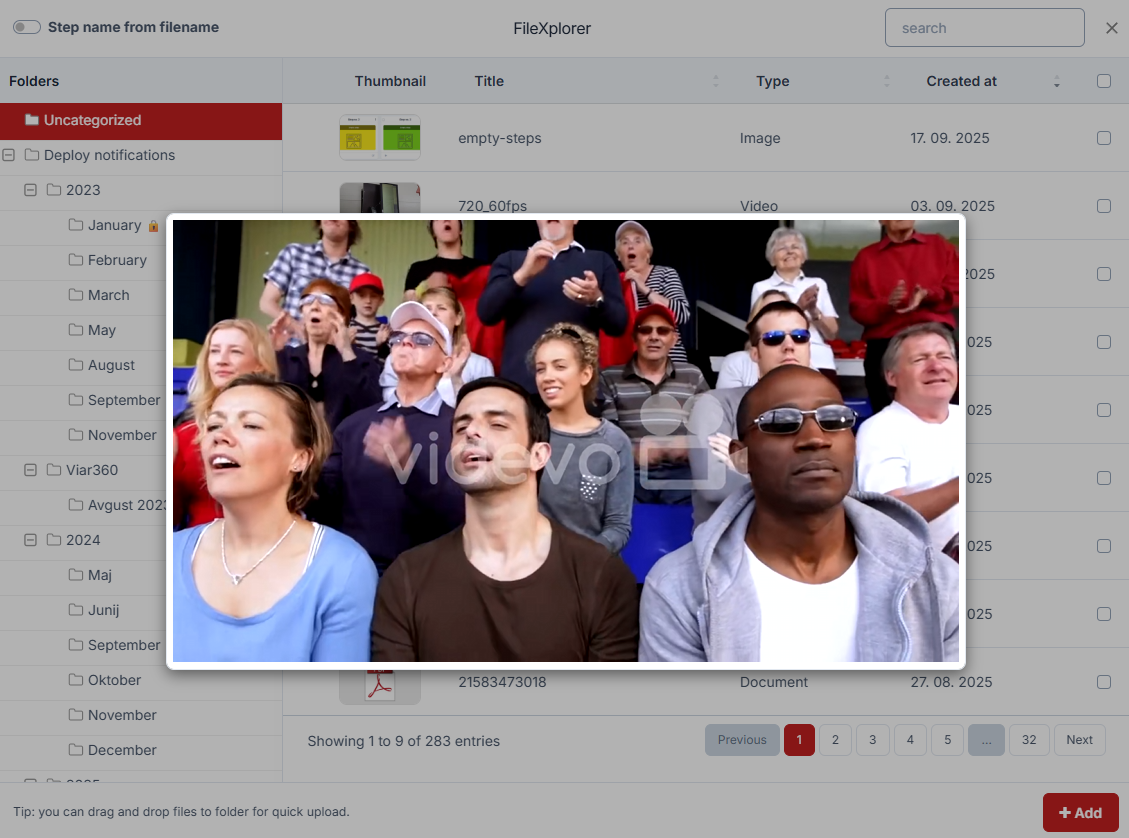
You can now preview a video, image, or PDF before adding it:
- as a step - video, image, pdf
- as a custom splash screen (guide, forms) - image
- as a board cover image - image
- as a form image field
If you hover the thumbnail, you will now see a magnifying glass.

And you can preview the file by clicking on the thumbnail.
GUIDES
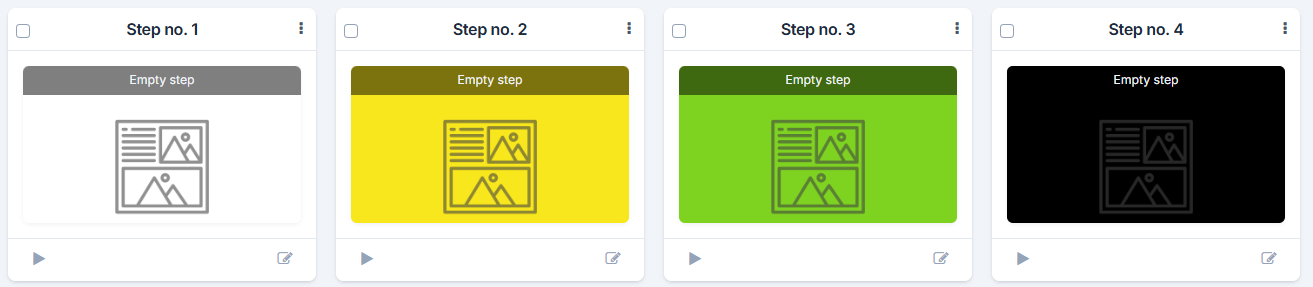
#1 IMPROVEMENT: Display of empty color steps
We've added a small aesthetic change when displaying empty steps.
#2 IMPROVEMENT: Guide full-screen mode is now smoother
You can now experience a full-screen guide player, getting the most out of your videos.
#3 IMPROVEMENT: Speed element default value is set to 250%
Based on the usage reports, we noticed that most of the speed elements are set to 250%, so we made that a default value when you add a new speed element.
#4 IMPROVEMENT: Character limit is now off in the audio element
We lifted the limit of 1000 characters in the audio element, so now you can make longer audio TTS. We still suggest creating shorter audios for a better user experience, but just so you know, you can now add longer texts.