Edit elements
Every element you add, you can edit by clicking on the three-dot menu on every element.
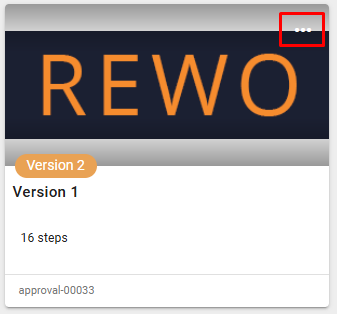
Once you click the edit icon, you can:
- select the size of the element
- edit
- remove
- duplicate
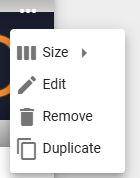
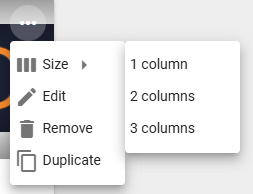
Size
1, 2, or 3 columns wide
Edit
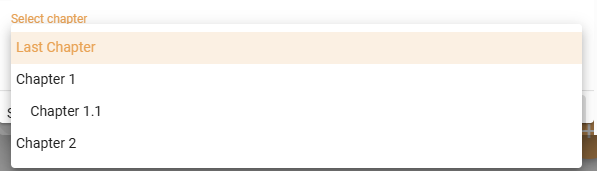
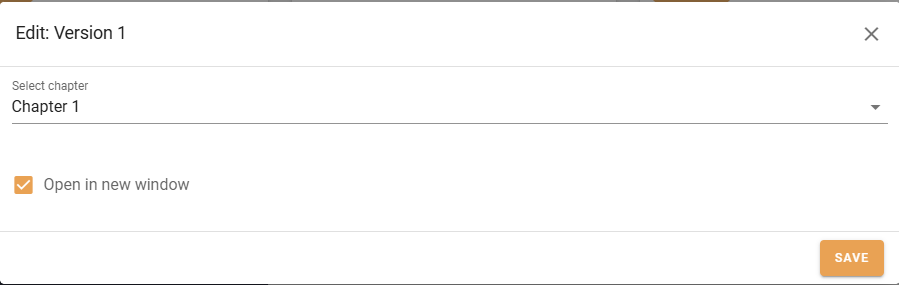
All elements have a chapter selection when creating and editing elements. This is a quick way to move elements around to different chapters. Of course, you can also drag and drop to reposition elements.
Guides, Forms, Courses, Boards
Additional: Open in new window
Delete
Deletes the element from the board.
Duplicate
Duplicates any element.