Board elements
You can add different elements to the board, as described below. You can also select the chapter of every element you add.
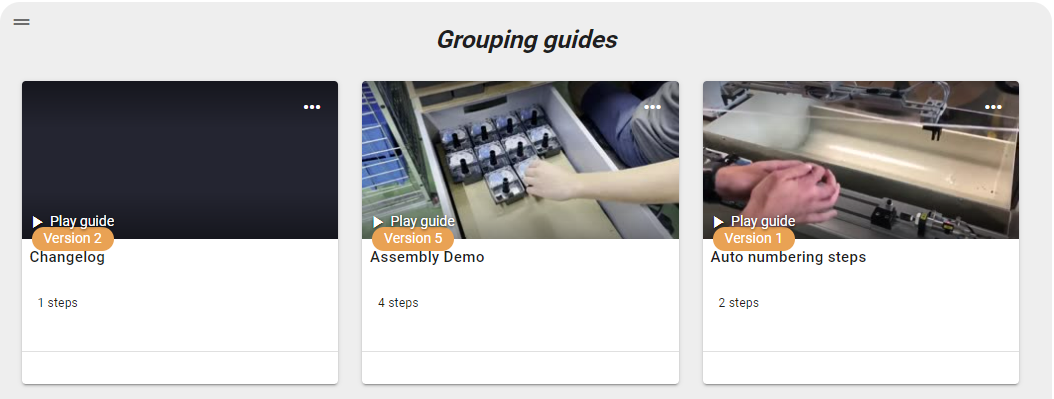
- Guides - add multiple guides from your guide list
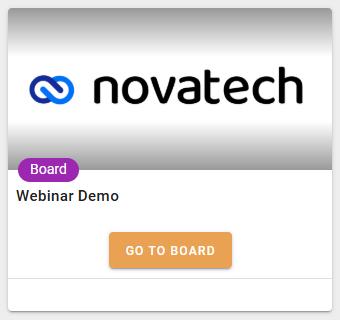
- Boards - add another board to your board
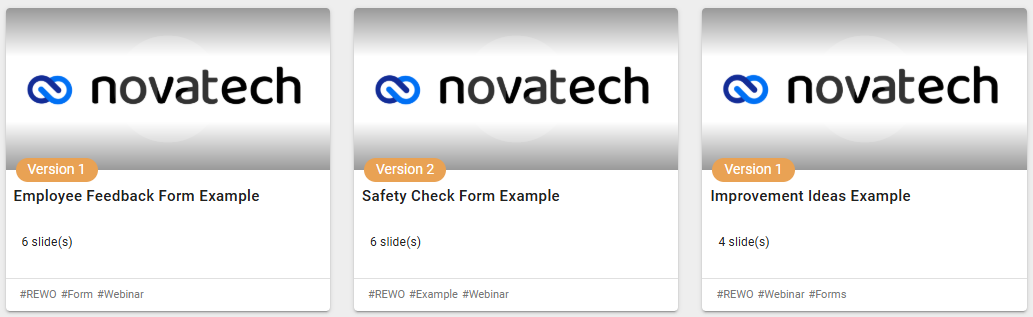
- Form - add forms to the board
- Course - add a course to the board
- Image - add an image from your Media Library or upload it directly through the board.
- Text - add text to the board

- Hyperlink - add a URL to the board, here you have a field where you can add tags

- HTML - you can add custom HTML

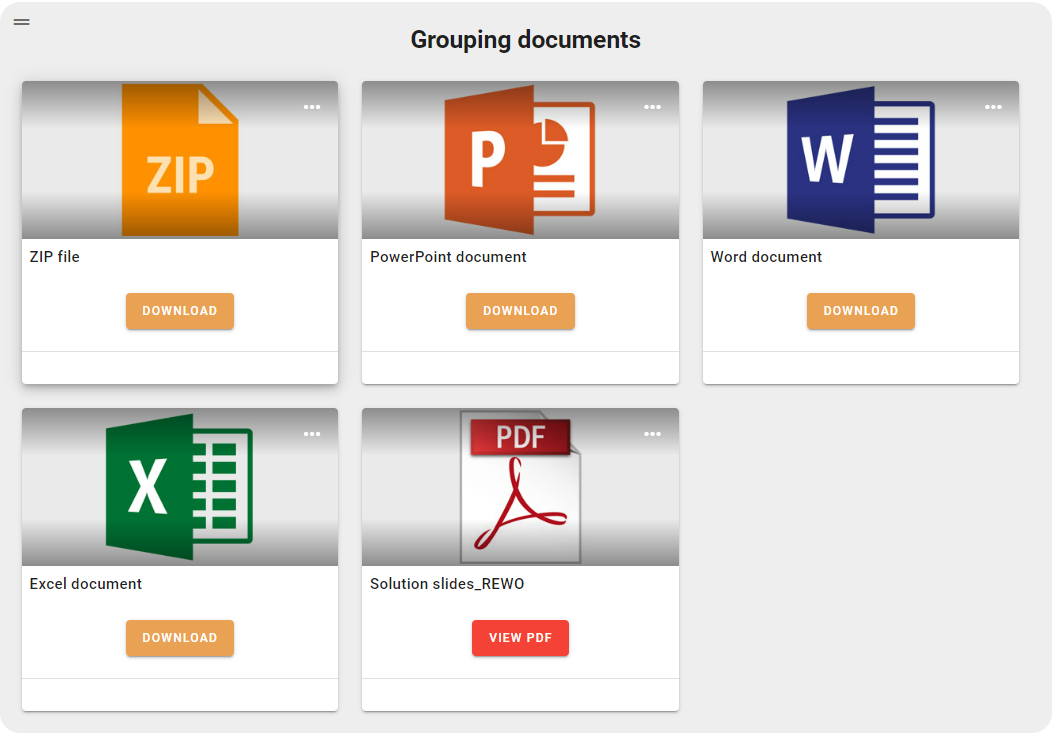
- File - you can add the following document types: doc, ppt, pdf, xls, zip, here you can also add tags, so it helps you to find elements with the board filter